 Importify
 How to Import Products and Fulfill Orders from DHgate on Shopify?
Learn how to efficiently import DHgate products to your Shopify store and manage order fulfillment using Importify. Importing Products from...
Learn how to efficiently import DHgate products to your Shopify store and manage order fulfillment using Importify.
Importing Products from DHgate
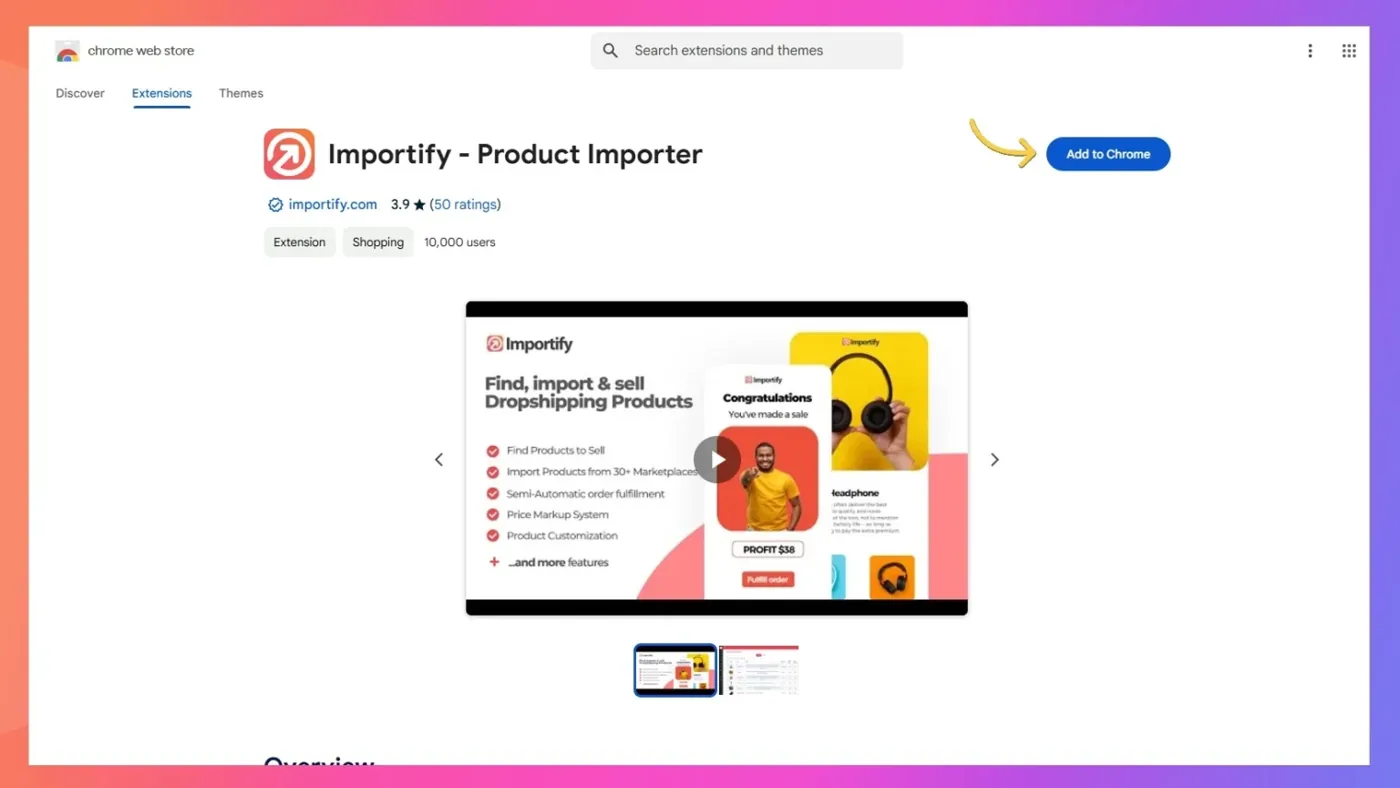
1. Install the Importify Chrome Extension
2. Navigate to a DHgate product page
3. Click the "Add" button that appears in the top left corner
4. Edit product details as needed (title, description, price)
5. Click "Add to your store" to import
order Fulfillment
1. Access your Importify dashboard
2. Go to "Order List" in the sidebar
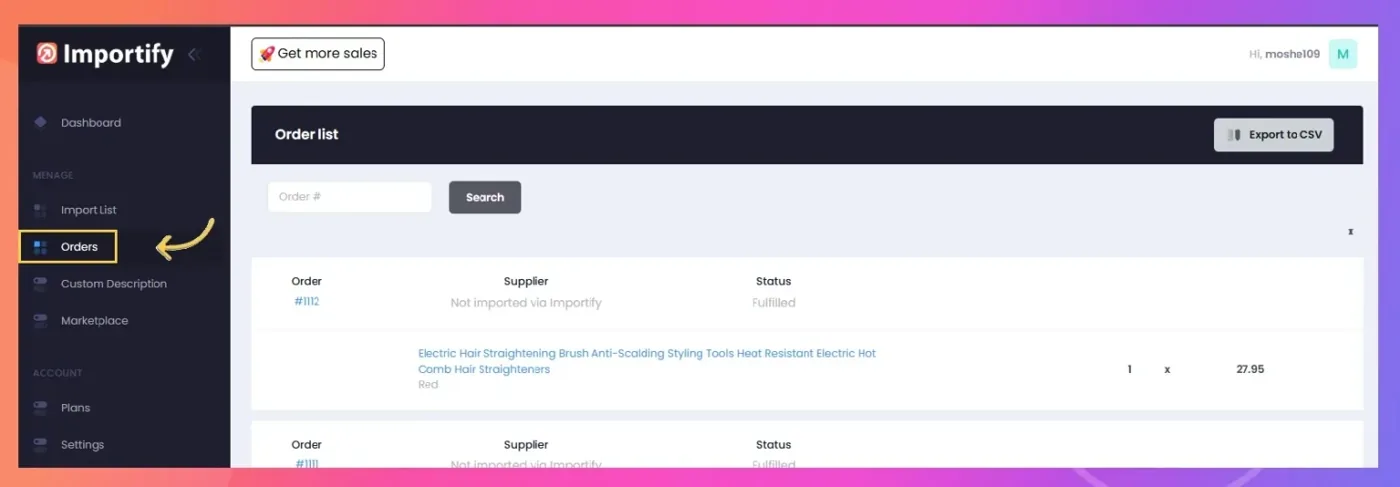
3. Find your order and click the product title
4. Purchase the product on DHgate using your customer's shipping details
5. Mark the order as fulfilled in your Shopify admin panel
Important Notes
- Always verify shipping options and delivery times
- Keep track of your DHgate order numbers for reference
- Monitor order status through your DHgate account
Need help setting up your DHgate imports? Contact our support team at [email protected].