
How to translate and import products from Taobao, Tmall, and 1688?
Log in to Taobao, Tmall, or 1688 first, click the Importify Add button, then translate imported product content with Importify AI before adding it to your store.
These marketplaces often show product details in Chinese, so plan for both import cleanup and translation. Review the translated text before publishing so customers see clear product information.
Important: first sign in to your Taobao, Tmall, or 1688 account in the same Chrome browser profile. These marketplaces often hide product details, prices, variants, or shipping options until your marketplace session is active.
Plan note: Translate is included on Premium and Gold. On every plan, Importify converts the prices on these pages to your store currency, using daily exchange rates.
Variant prices: Taobao, Tmall and 1688 import a separate price for each variant, with the supplier's SKU ID.
- Visit the product page while logged in to that marketplace.
- Click the Importify Add button.
- In the Importify window, open the Description tab.
- Click Translate, choose the output language, and review the translated title, description, variants, and product details.
- When the product is ready, click Add to store.
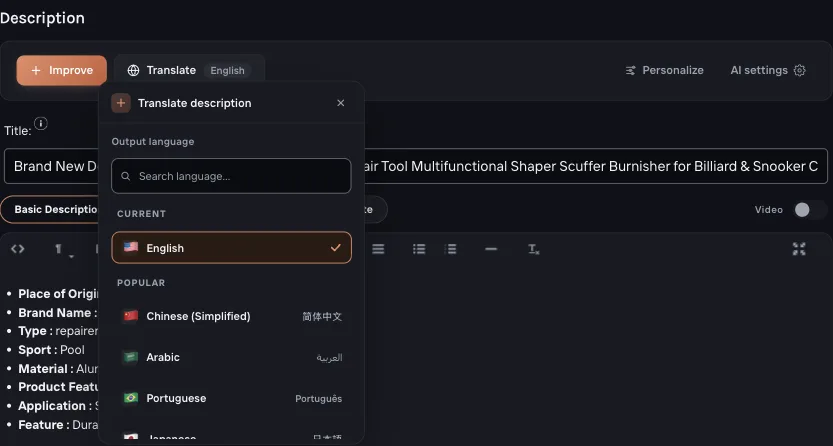
The same step on a Taobao listing: the Chinese title becoming an English one.